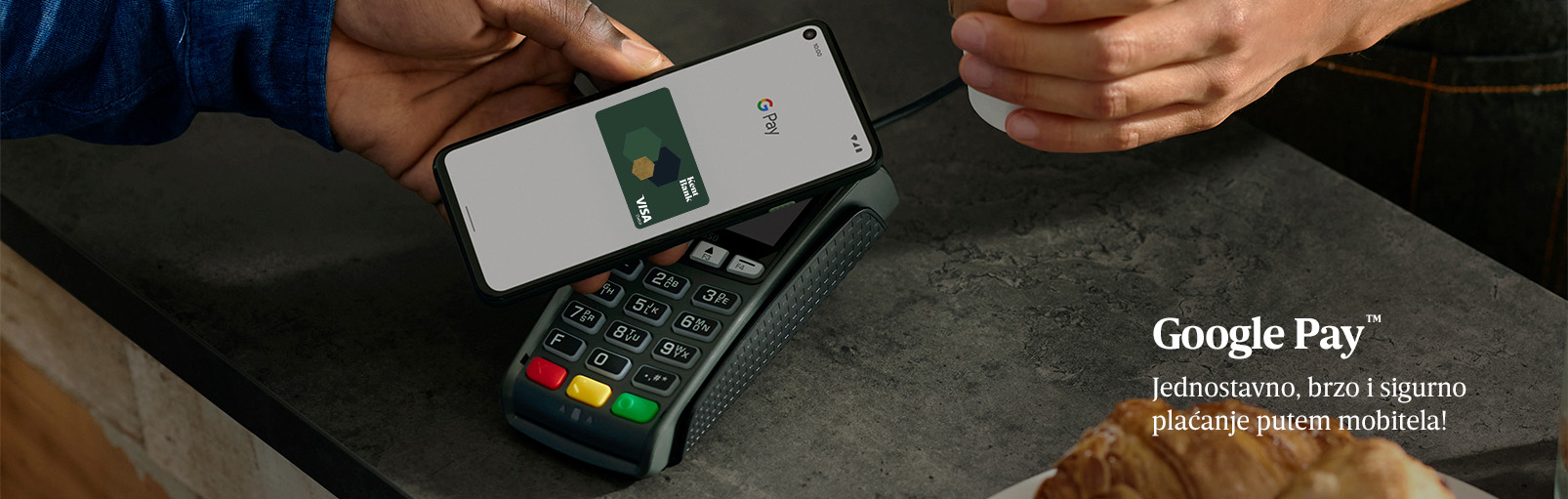
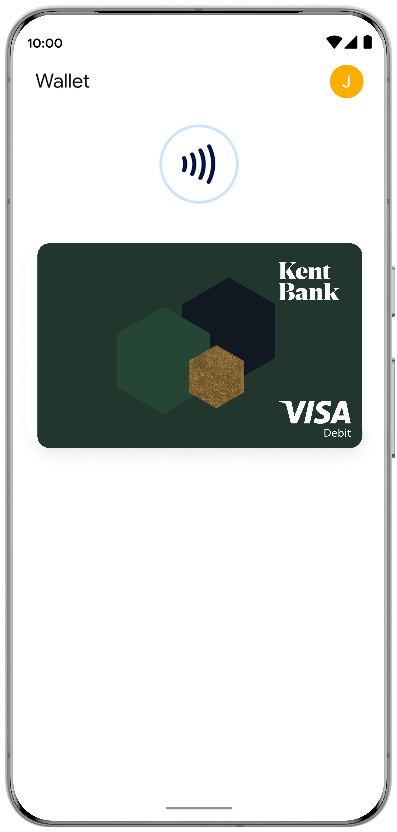
Link your card to Google Pay™️ and enjoy a simple, fast, contactless and secure payment experience using your mobile device!
Forget about your wallet. Google Pay™️ enables easy payments at millions of locations, including websites, apps and stores, as well as contactless and secure cash withdrawals at ATMs.
How to link your card to Google Pay?
- In the Google Wallet app, tap “+ Add to Wallet”.
- Enter your card number, MM/YY and card security code, then tap “Save and continue”.
- Accept KentBank’s General Terms and Conditions for the registration and use of a Virtual Card in a Digital Wallet.
- Select your preferred identity verification method. The “Verify online with your bank” option allows you to verify your identity using the KentBank mobile app. Verification is also available through the Contact Centre.
- If you selected “Verify online with your bank”, a push notification will appear on your screen and you will need to confirm it.
Once your identity has been successfully verified, your card will be linked to Google Pay and ready to use.
™ Google Pay is a trademark of Google LLC.